Yarnit Creative OS / Product imagery

One product photo.
An entire photoshoot.

Turn a single product image into a complete set of catalogue-ready visuals—in minutes, with your brand rules and product details built into the process.

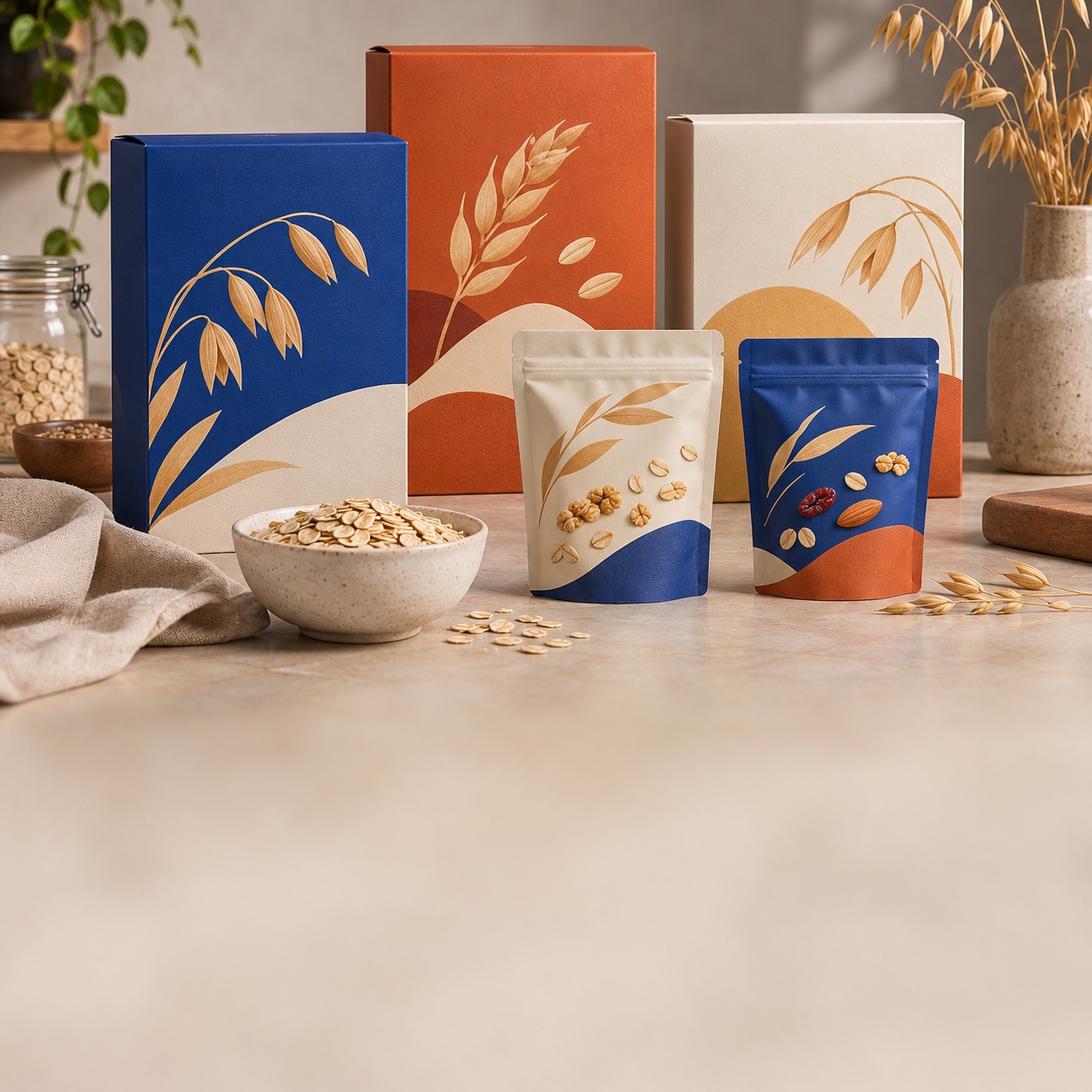
Creative imagery across fashion, furniture, FMCG drinks, footwear and skincare.

8

2

3

4

5

6

7

8

9

15+

product categories supported

8

2

3

4

5

6

7

8

9

2

8

2

3

4

5

6

7

8

9

0

+

purpose-built shot types

8

2

3

4

5

6

7

8

9

Upto 1

0

2

3

4

5

6

7

8

9

10

images per variation run

Your products move fast. Your photoshoots should too.

New SKUs, more shades, new seasons, another campaign. Your image pipeline shouldn’t become the reason a product waits to go live.

Every new variant starts another production cycle.
Studio bookings, reshoots and editing queues slow down launches and refreshes.
A couple of photos can’t tell the full product story.
Listings need the right angles, detail shots and context—not just a single hero image.
Speed is no help if your product looks different.
Generic generation can drift on colour, materials, logos or the brand look your team worked to establish.

Made for the catalogue.
Ready for everything else.

One place to plan, create and review the visuals a product actually needs—without leaving consistency to chance.

From one product photo to the shots your listing needs.
Start with Smart Generation or select a template. Creative OS considers the product, its category and its catalogue details to build a coordinated visual set.
Walnut lounge chair photographed in studio, architectural and living-room settings.
Creative, but recognisably your product.
Reference-anchored generation and automatic checks are built to catch unwanted product or brand drift.
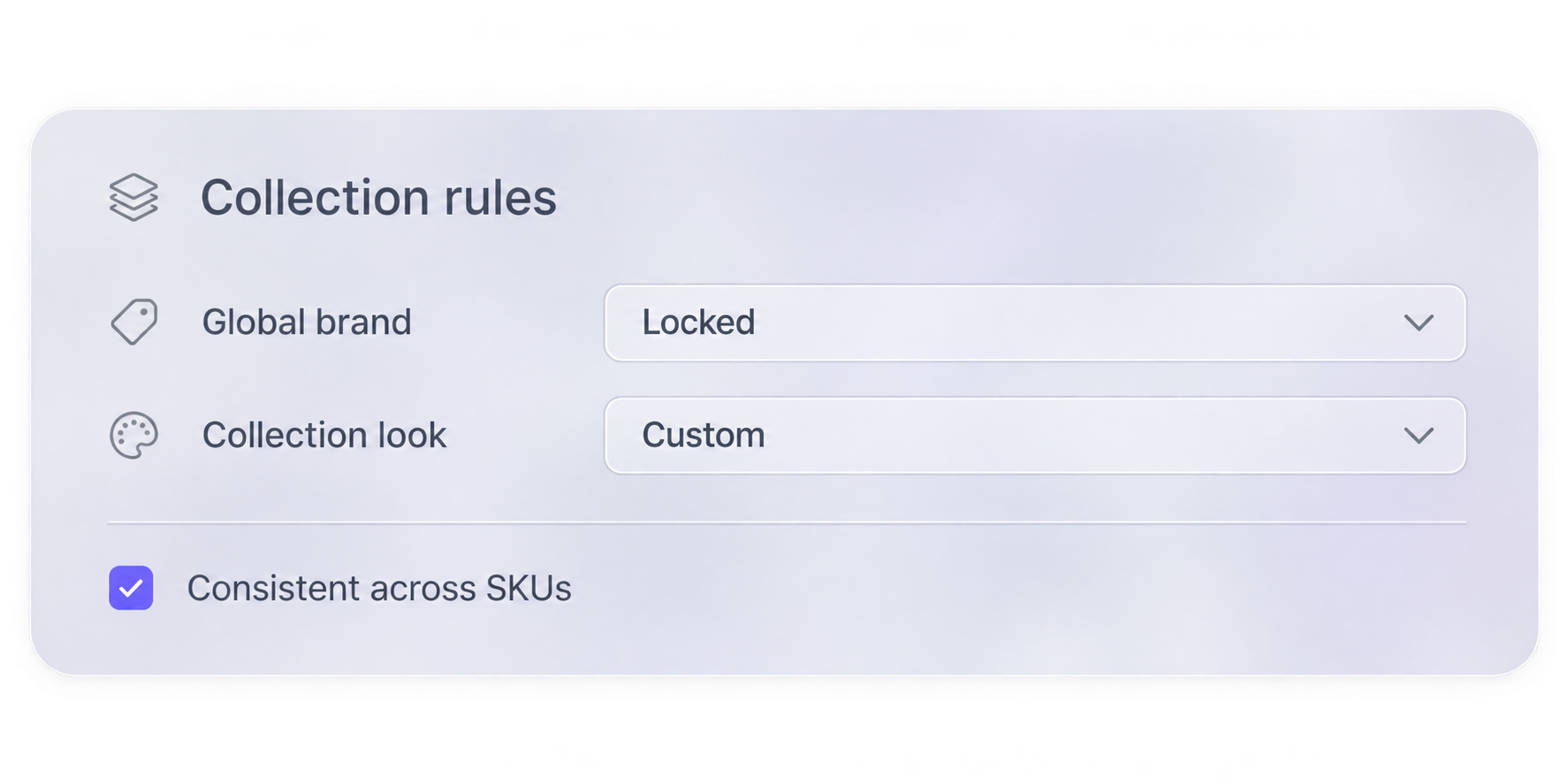
One visual language. Across every SKU.
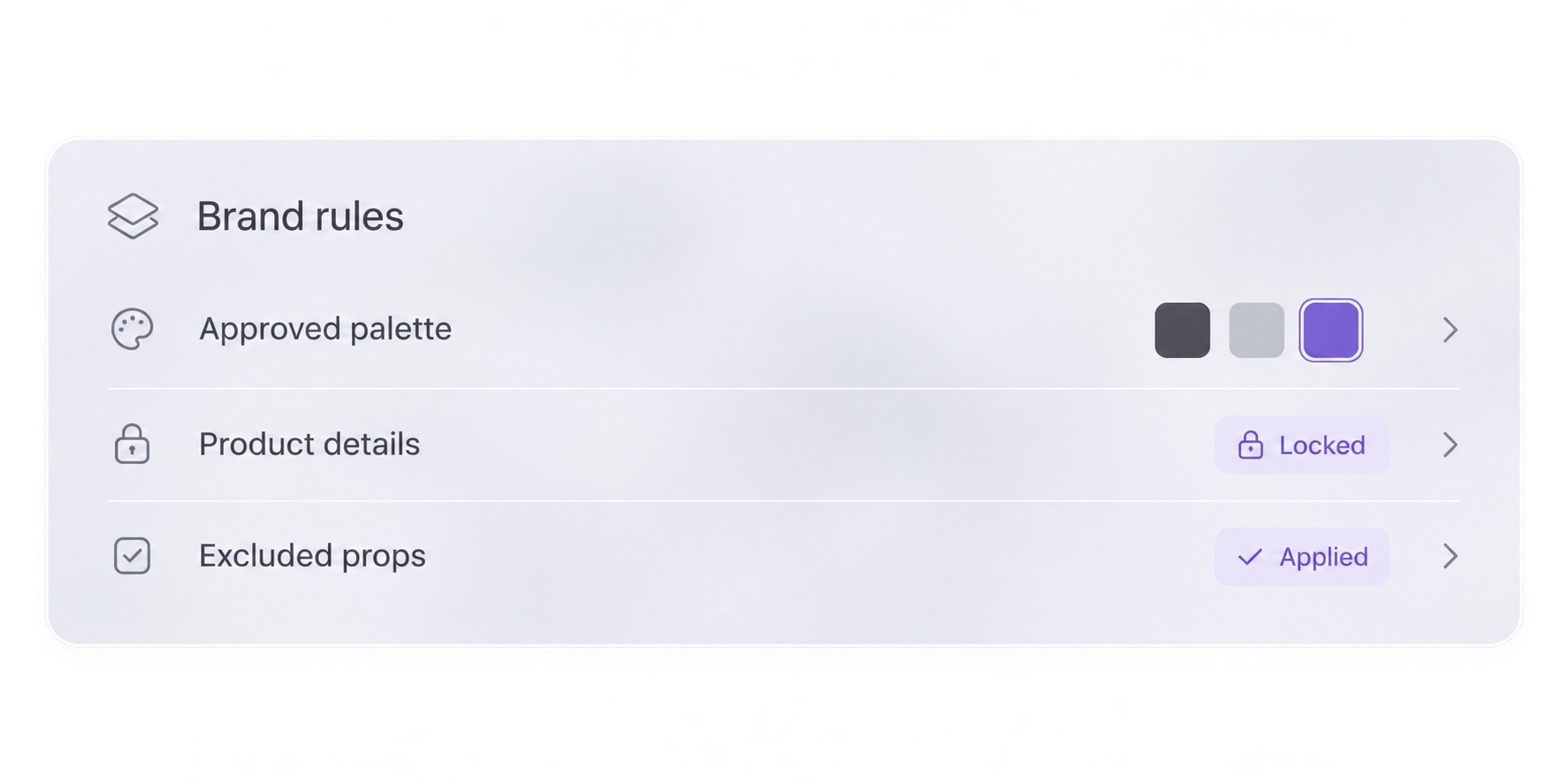
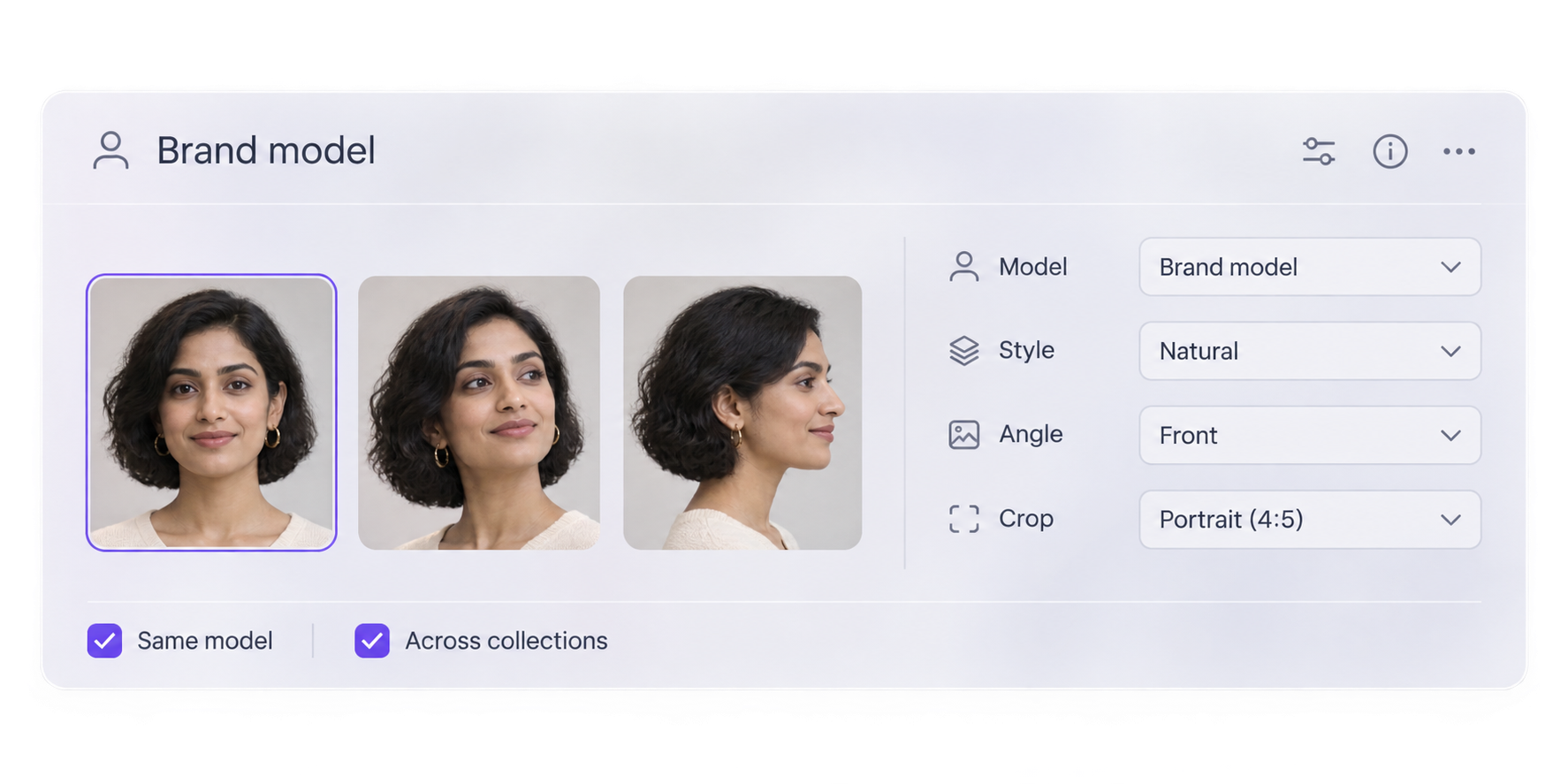
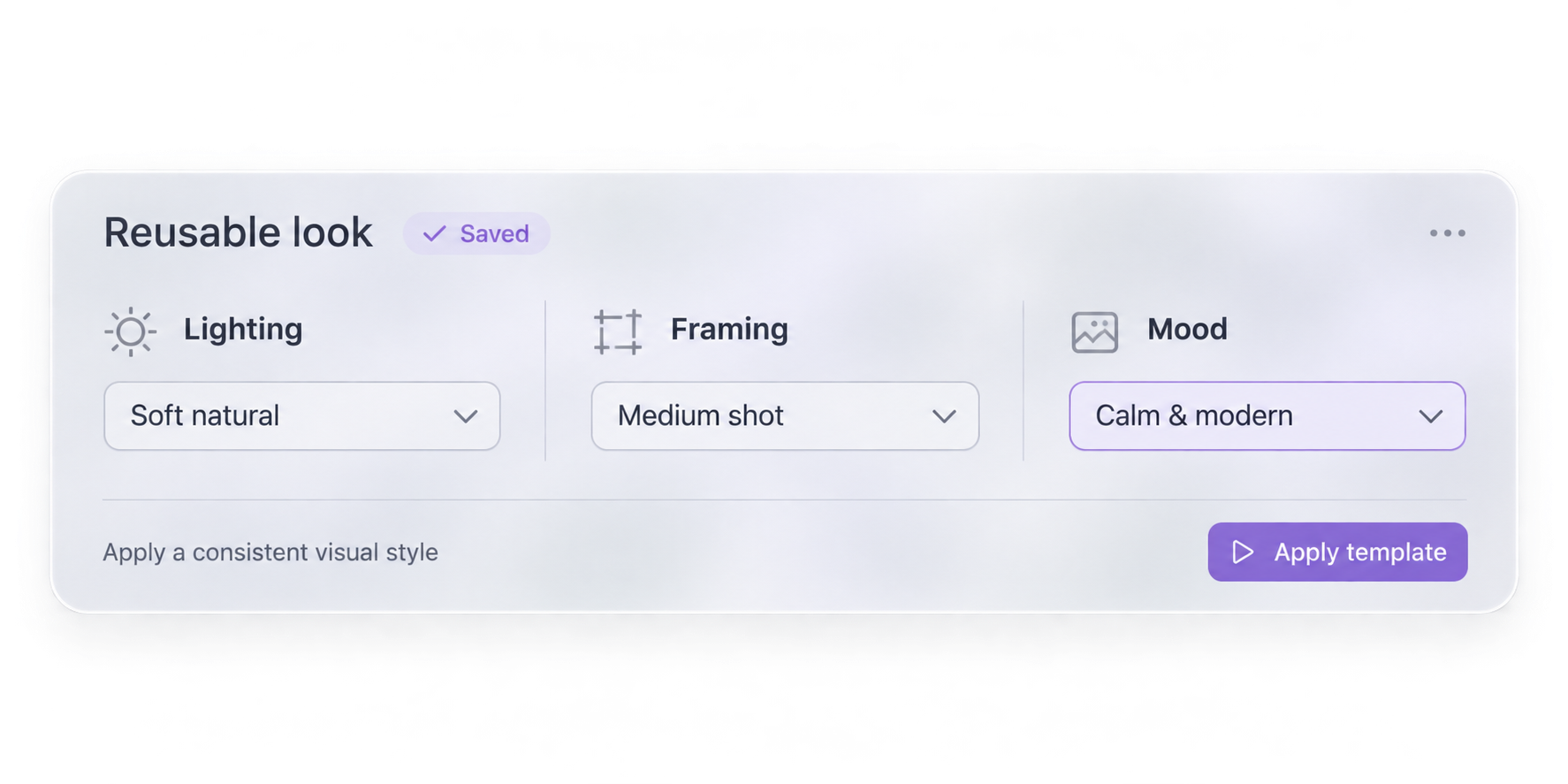
Reuse brand models, approved looks and locked creative rules, with collection-specific variations when needed.
From reference to ready-to-review

You bring the product.
Creative OS brings the shoot plan.

No complex prompts. No choosing between AI models. Just a guided workflow that makes professional product photography more accessible to the teams who need it.

Start with a photo
Upload a product reference and use its catalogue details as the creative anchor.
Let it plan—or take control
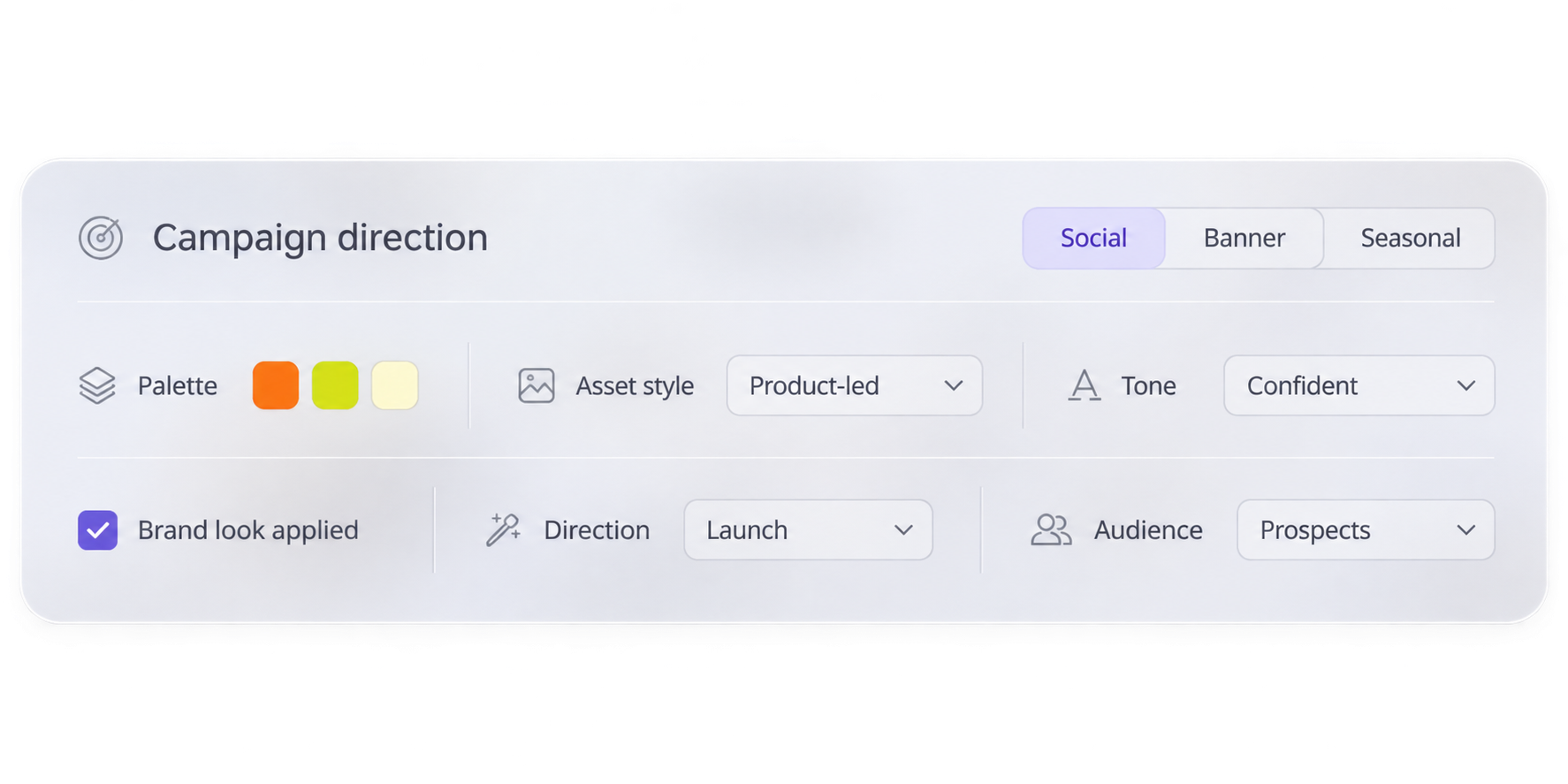
Use Smart Generation, an approved template, variations or Freestyle.
Built-in guardrails
Images are checked against product references and applicable brand rules.
Choose your final shots
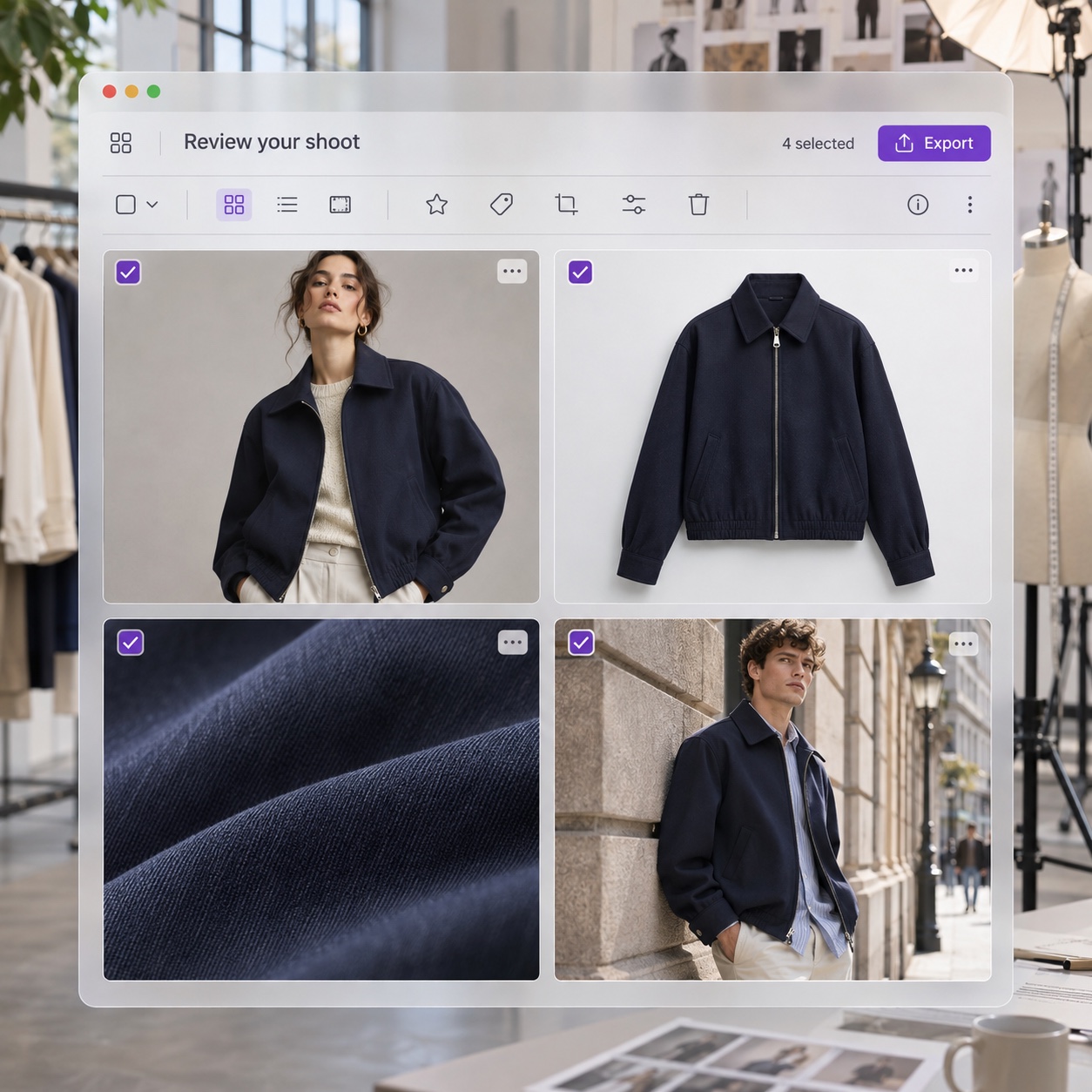
Review, regenerate where needed, then download or prepare approved visuals for use.
Frosted-glass shoot review interface with four navy jacket fashion photographs.

As simple—or as hands-on—as you like.

The right workflow for a routine catalogue update, an entire collection or your next big creative idea.

Smart Generation
Upload a product photo and let the system propose the category, shots, model and setting.
Template Shoots
Choose an approved, category-aware shot list. Keep the shots you need and skip the rest.
Controlled Variations
Generate multiple options and choose how subtle or adventurous the differences should be.
Freestyle
Explore ads, social visuals, banners and campaign concepts with the product still in view.

A sofa isn't a sneaker.
Why shoot them the same way?

Category-aware approaches to framing, detail, lighting and composition, inspired by the visual patterns of bestselling listings.

Ivory linen blazer with visible fabric weave and tailoring on warm stone.
Apparel
Fit, drape, styling and fabric detail
Amber serum bottle and ivory cream jar with a cream texture sample.
Beauty & skincare
Texture, ingredients and packaging
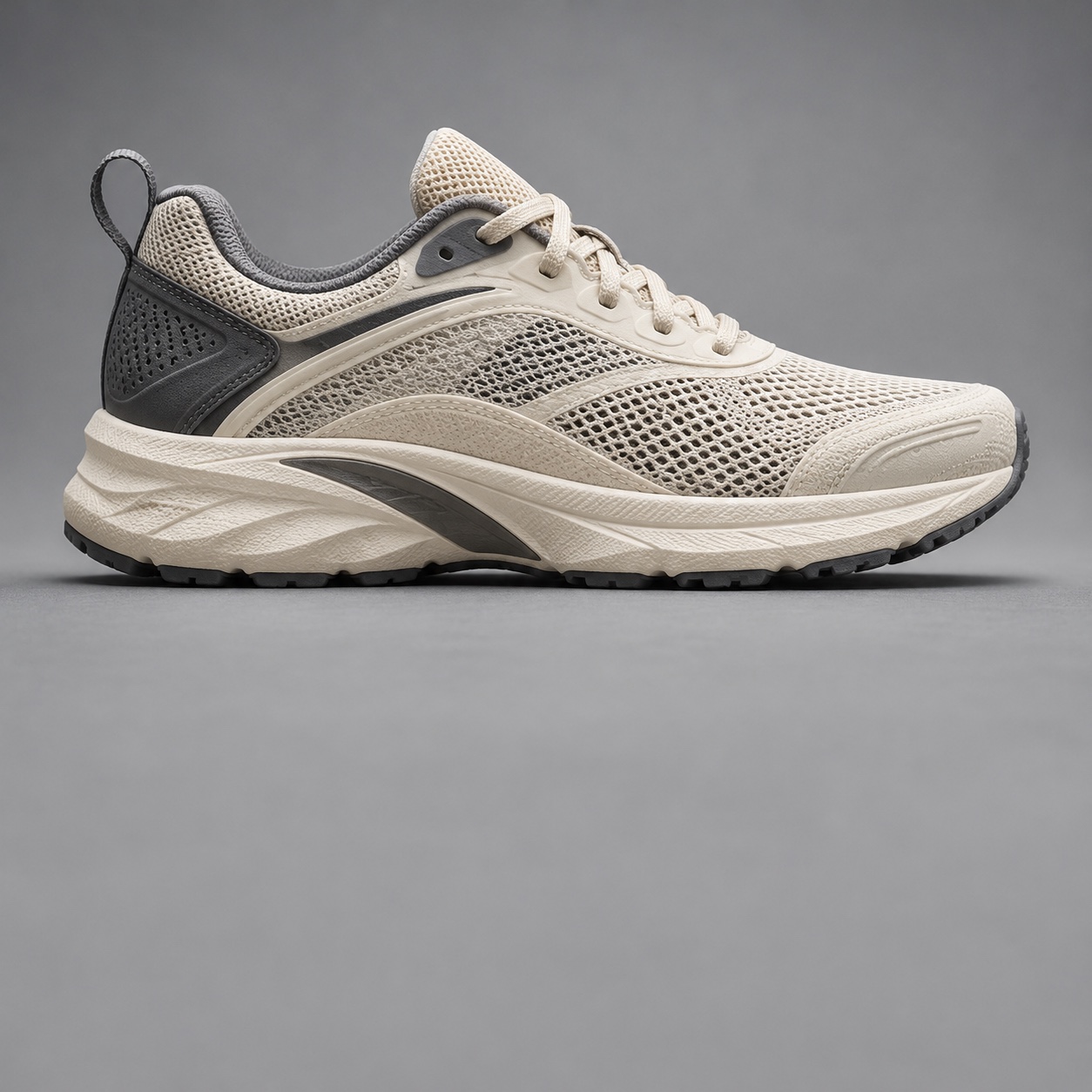
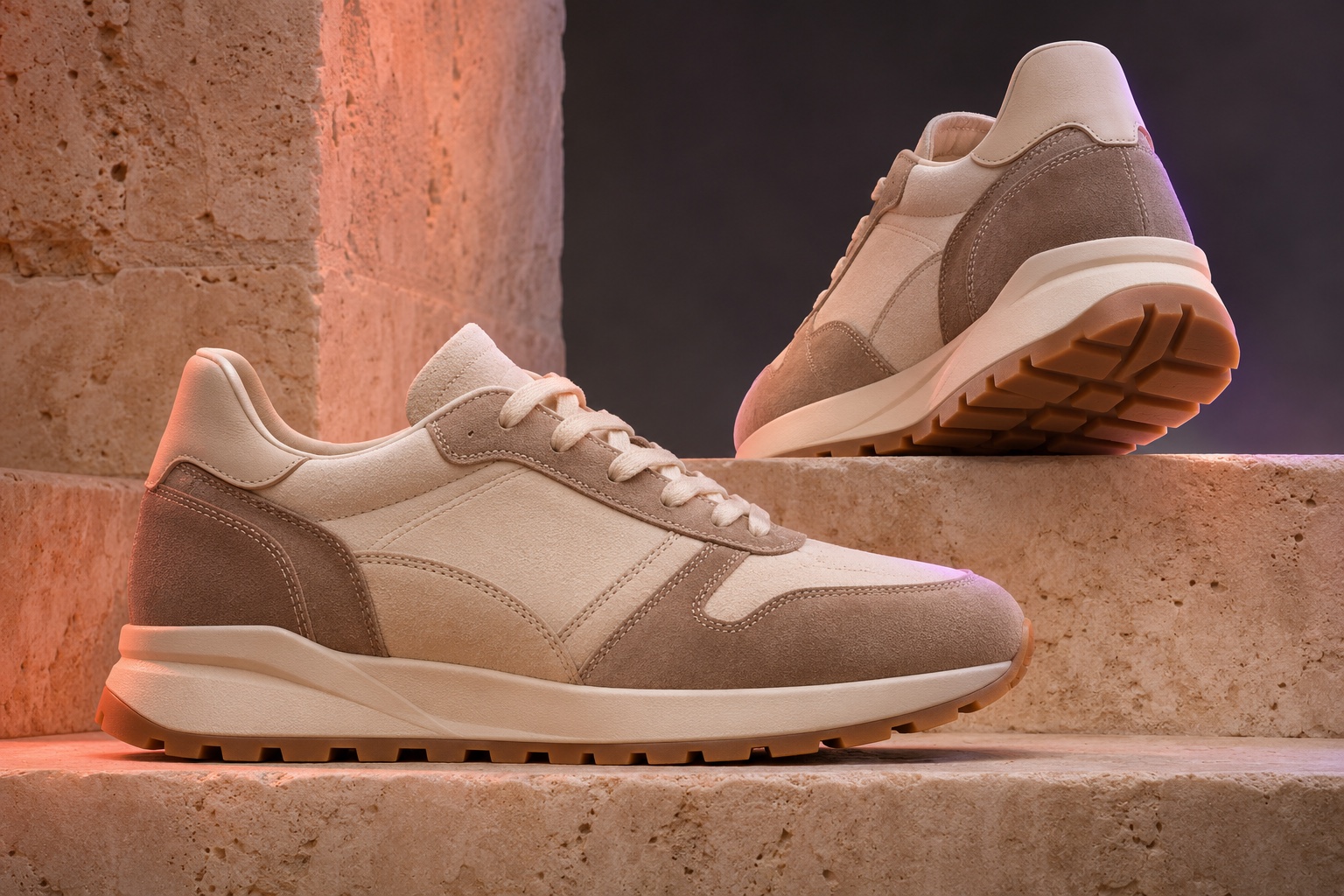
Taupe suede sneakers showing side profile, stitching and gum sole.
Footwear
Profile, materials, sole and tread
Gold ring and earrings with pale green gemstones on silk and dark stone.
Jewellery
Stones, settings and reflective details

Good creative.
With a second set of eyes.

An image can look beautiful and still get the product wrong. Creative OS is designed to check the details that matter before images reach your team for final approval.

Anchor to your reference

Generation starts from the real product image and the details in your catalogue.

Check product fidelity

Review colour, material, form, logos, labels and other important attributes.

Apply brand rules

Check the visual against your applicable creative guidelines and exclusions.

Retry, flag and review

Issues may be retried automatically or surfaced for a human to assess.

Built for the people behind every product page

One workspace.
Four teams moving faster.

Less time coordinating the next shoot. More time deciding what to launch, what to improve and what to create next.

Shared creative workspace displaying furniture, fashion, FMCG, electronics, skincare and footwear.
E-commerce & category teams
Get the angles and complete visual sets new SKUs need, without relying on another studio slot.
Creative & brand managers
Keep visual identity, styling and model choices consistent while enabling more people to create.
Catalogue operations
Fill missing shots, expand colour variants and keep image production moving across large assortments.
Performance & marketing teams
Explore fresh ad, social and seasonal visuals grounded in the products you already sell.

Questions merchants ask first

Bring the rest to your demo, and we'll answer them on your own catalog.

Can we test it before going live?

Yes. Preview it in a sandbox on desktop and mobile, then publish when you're ready.

Will it slow our site down?

The widget loads asynchronously, doesn't block the page and runs only on the domains you allowlist.

Will you change our product data?

No. Connections are read-only, and enrichment sits alongside your raw data without overwriting it.

Will it expose our margins or internal data?

No. App contracts limit exactly what the assistant can read. Margin can shape ranking, but it is never shown to shoppers.

What if information is missing or conflicting?

It says it can't confirm, shares what it does know and points the shopper to your team. Conflicts show up in data-quality reports so you can fix them at the source.

Where do the answers come from?

Your catalog, policies, FAQs and the documents you connect, plus enrichment you approve. Price and stock are checked live.

How is it different from a regular chatbot?

It runs on the Commerce Context Layer: approved product facts, live price and stock, merchandising controls, approvals and an audit trail. A regular chatbot reads whatever your product pages say, and has to guess at the rest.

Make every SKU shoot-ready

Your next photoshoot starts with a photo you already have.

Give every product the creative attention it deserves—without making every new image a new production project.

Section Bg