Your next visual is one prompt away.
Start free, or let us walk you through DreamBrush with your own brand loaded in.


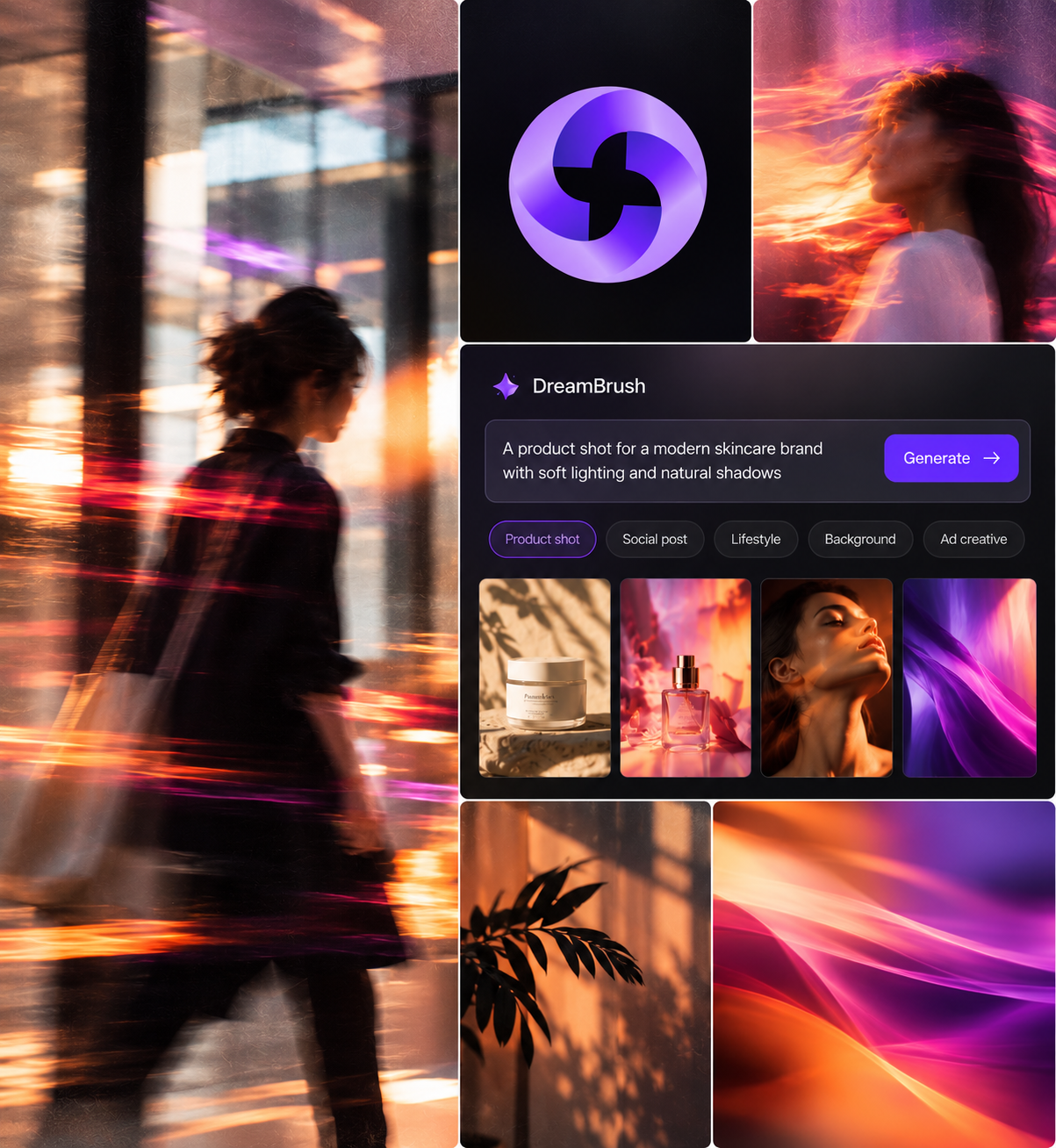
Yarnit's DreamBrush is an AI Creative tool that turns a simple prompt into stunning, on-brand artwork. Describe what you want, pick a style, and generate visuals, backgrounds, and social creative without opening a design tool.


Every new visual needs a brief, a designer, and a review cycle. That dependency limits how much creative a team can produce in a given window.

Rushed visuals drift from brand color, tone, and style. The output stops looking like it belongs to the same brand.

Stock is fast but generic, and custom design is distinct but slow. Most teams end up choosing one at the expense of the other.


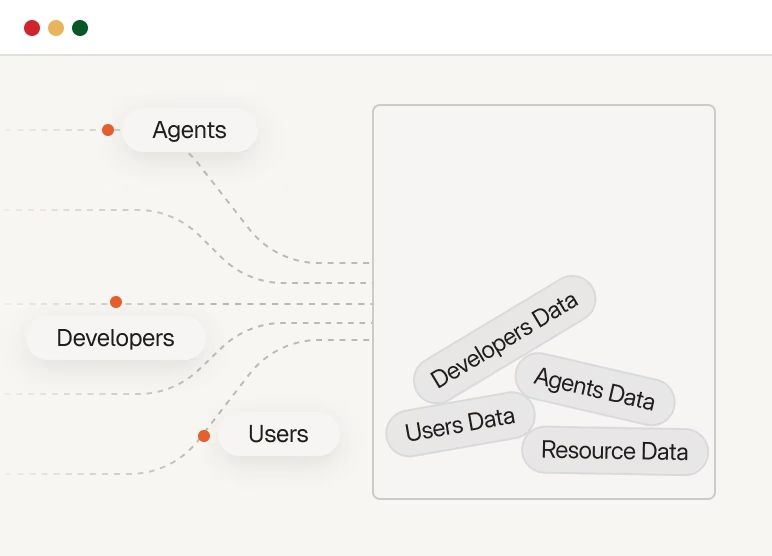

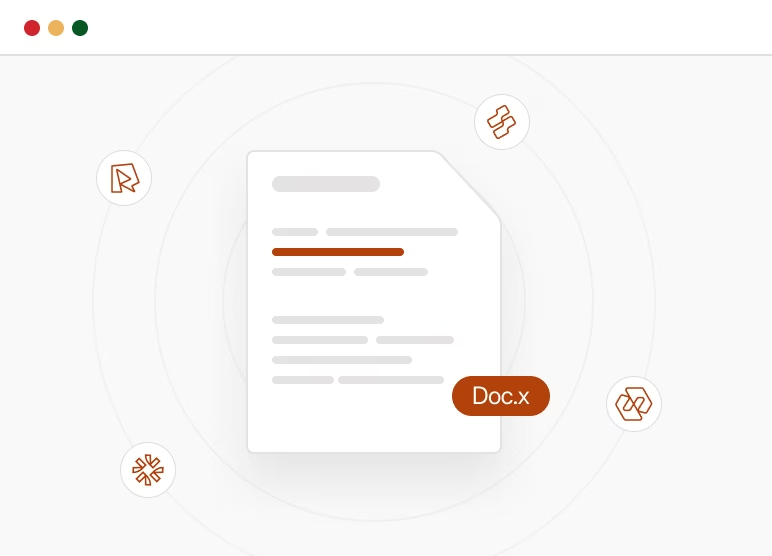
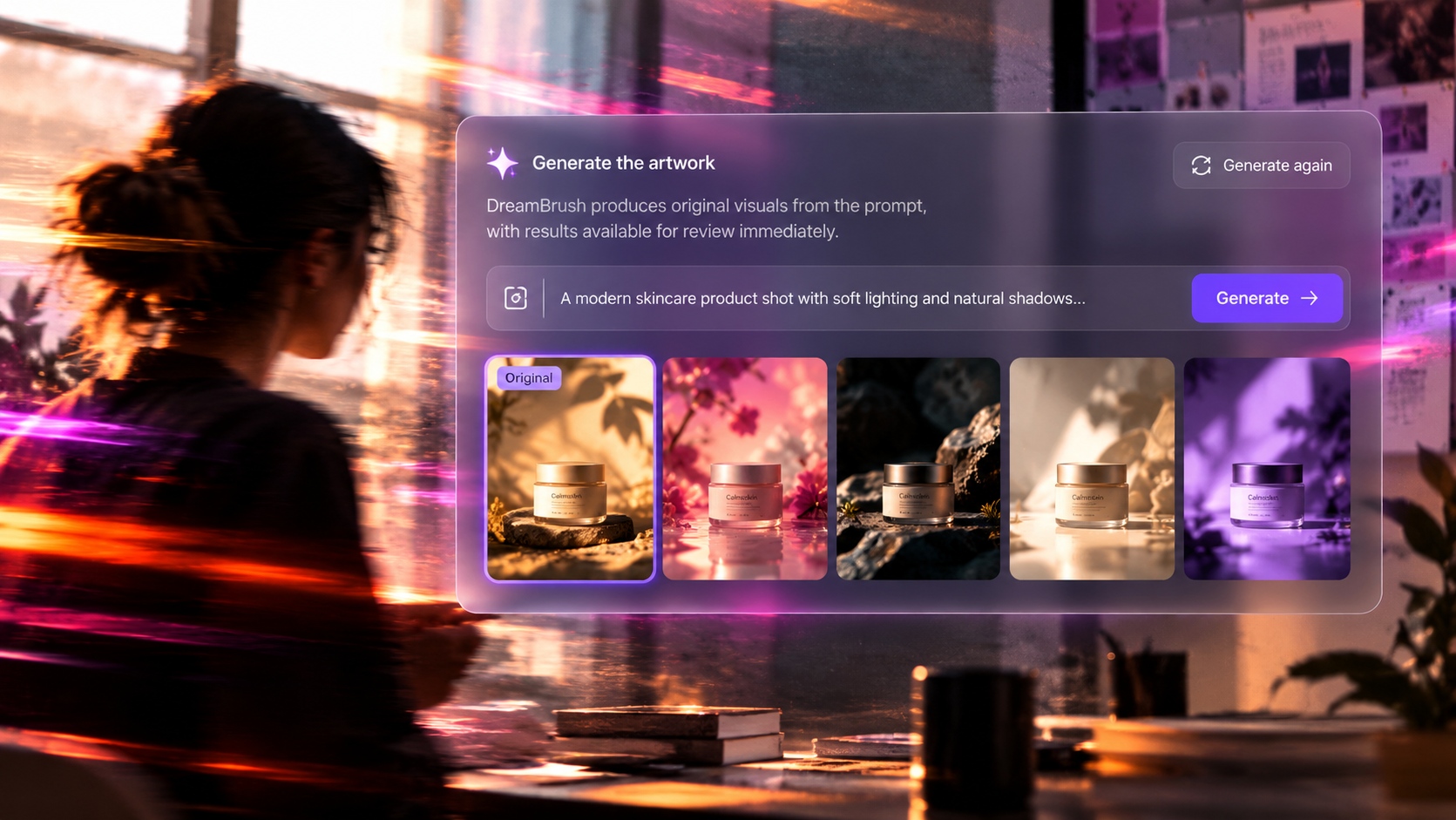


Advanced AI models turn a written prompt into unique, visually distinct artwork tailored to the creative vision behind it, not a generic stock look.

Generate backgrounds that align with brand identity and aesthetic on the first try, without briefing a separate designer.
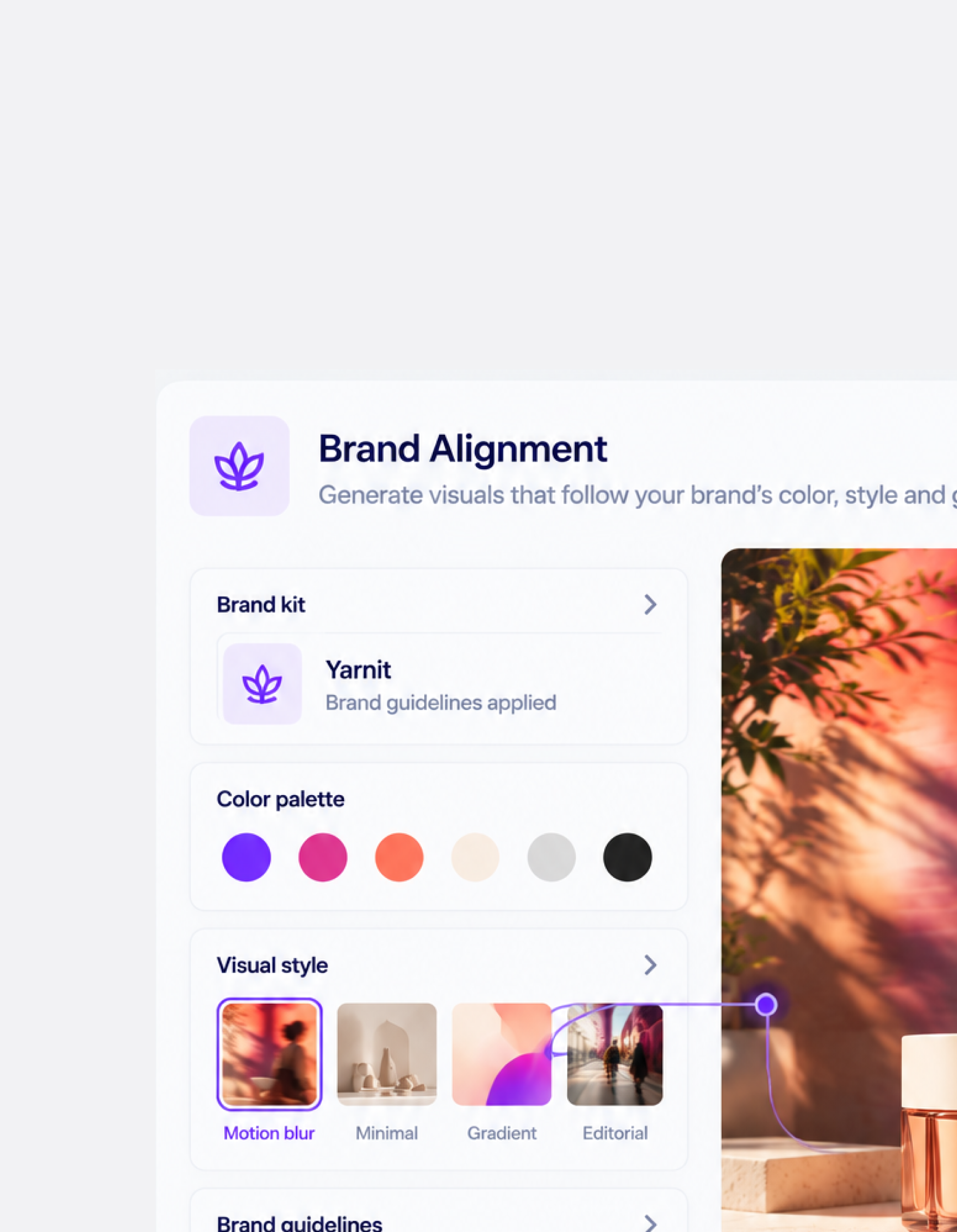
Every generated visual and background can be held to a brand's color palette, style, and guidelines, so output stays recognizable at scale.
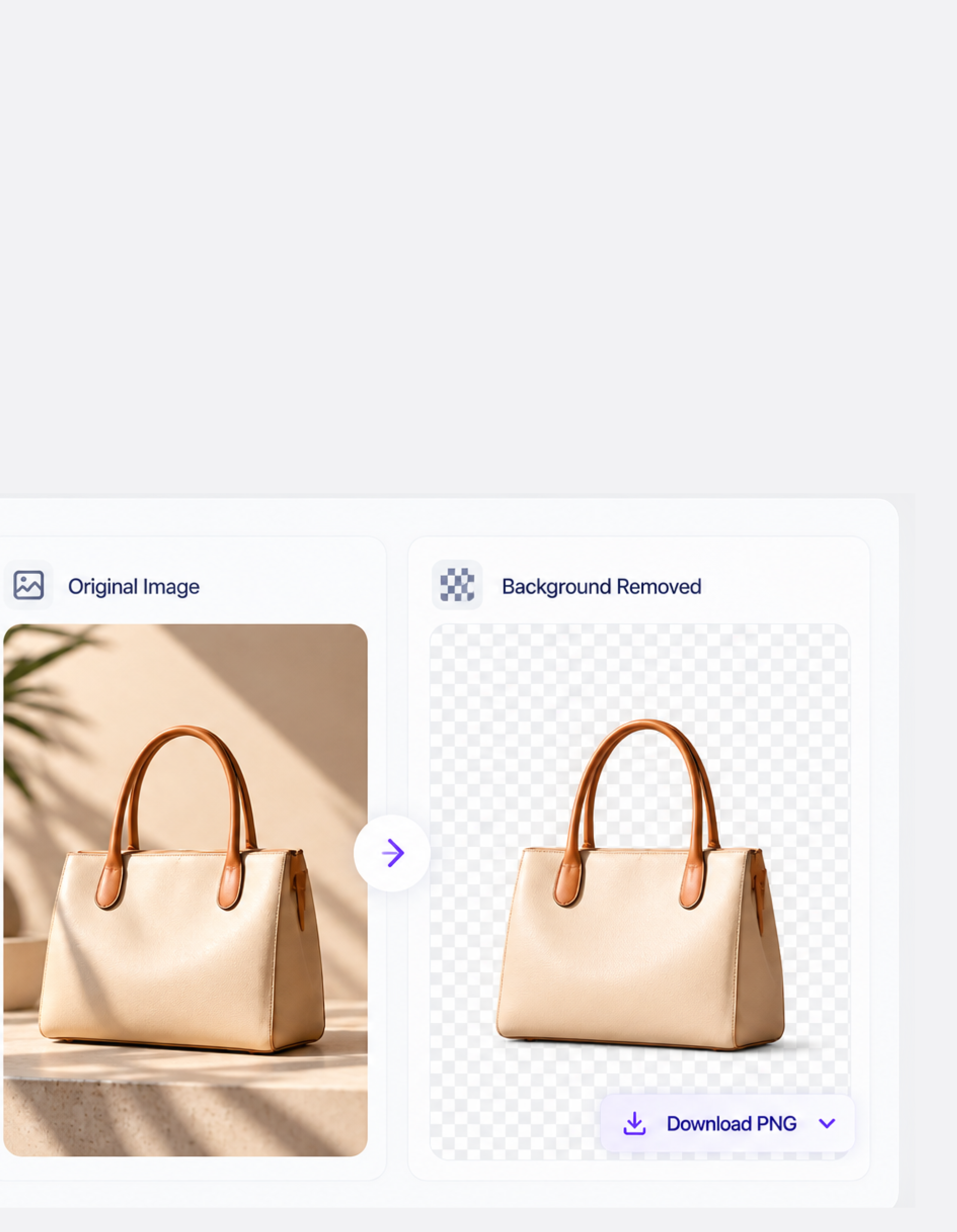
Strip backgrounds from existing images in one step, making it simple to drop visuals into new designs and layouts.
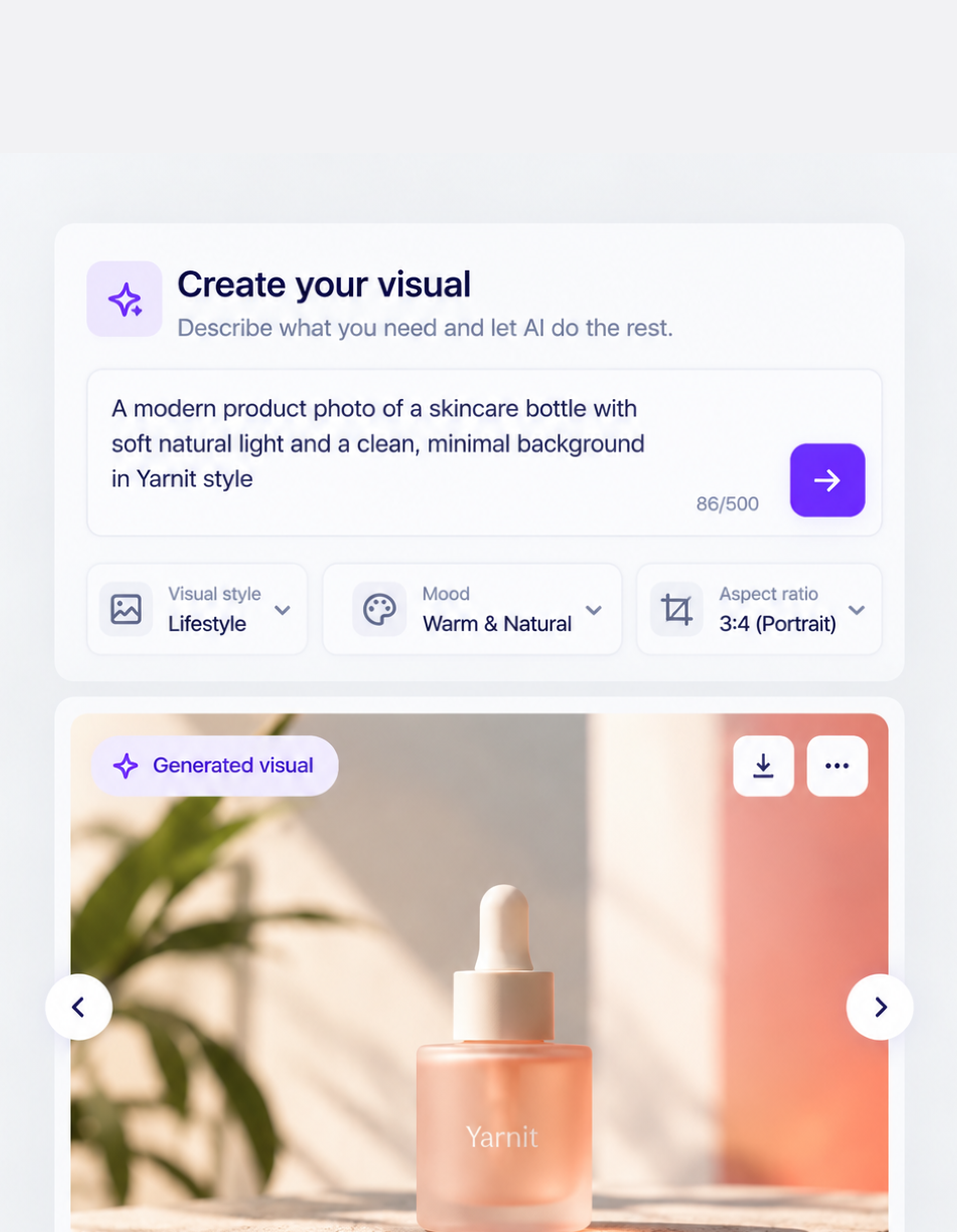
A user-friendly interface that keeps the creative process simple, so an AI Creative tool stays accessible to marketers, not just designers.
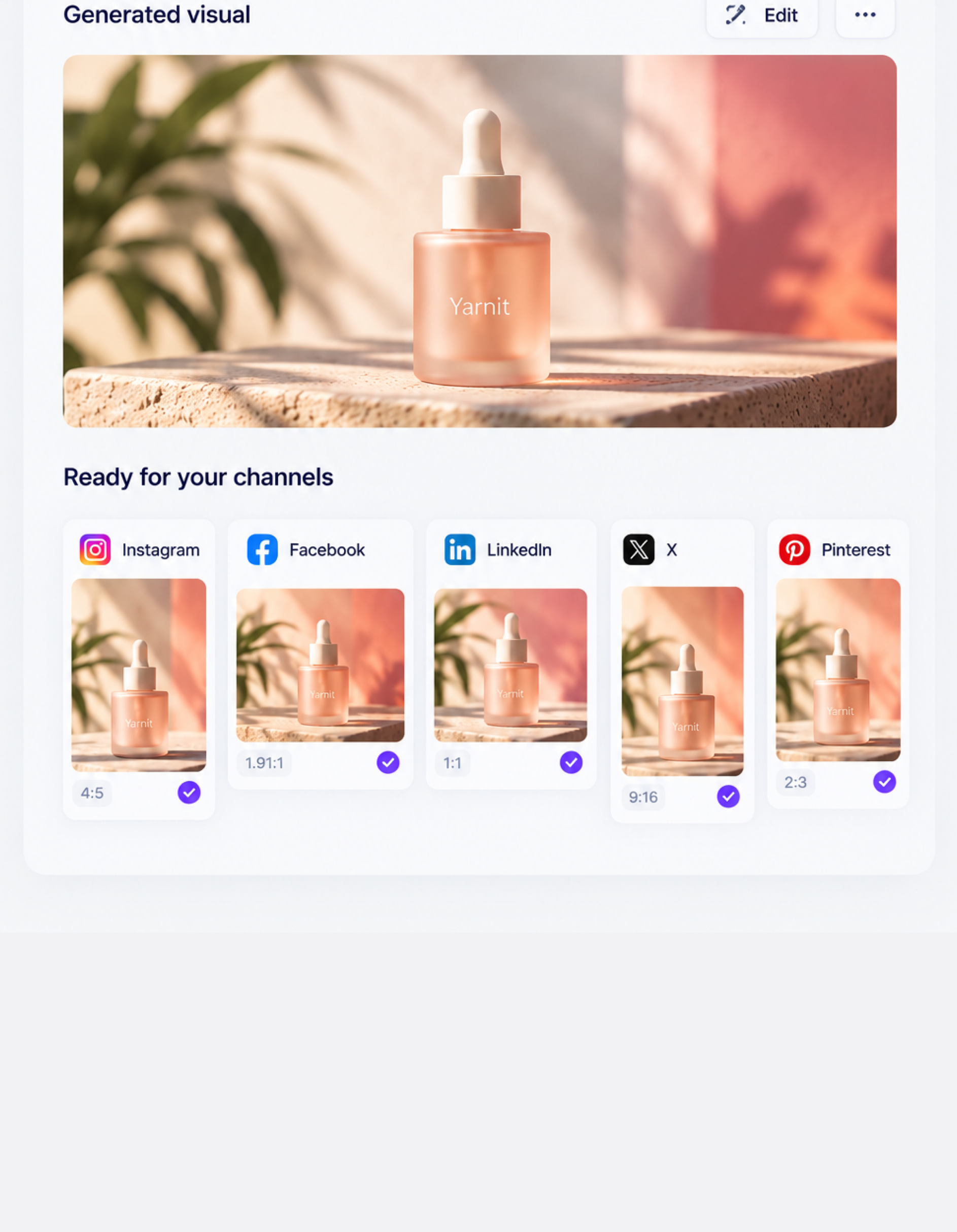
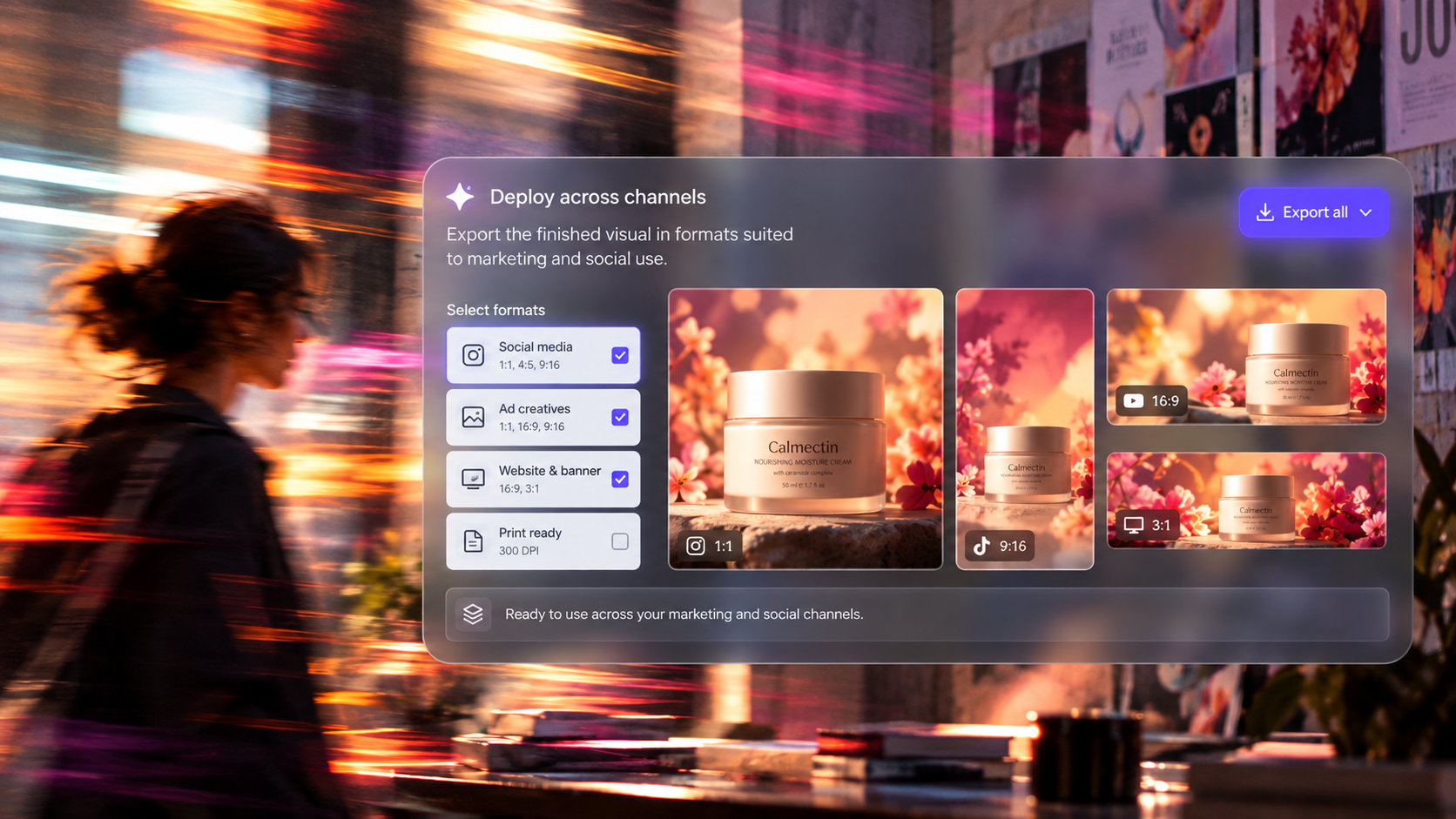
Visuals come out sized and styled for social platforms, built to drive engagement from the first post.
Get clear answers to the questions we hear most so you can focus on what truly matters.

It identifies formulaic transitions, repetitive sentence structures, generic phrasing, tone patterns, and other signals that make AI-generated writing feel mechanical, then rewrites them while preserving the original meaning.
No. The Humanizer is designed to preserve important SEO keywords and search intent while improving the natural flow and readability of the content.
Yes. Yarnit uses brand voice guidelines, audience context, SEO requirements, and content analysis to inform how the content is rewritten, rather than applying the same writing style to every piece.
Instead of a single-pass or word-level rewrite, Yarnit uses specialized agents to detect and address linguistic, structural, tone, and content-level patterns before rewriting and validating the output.
Yes. It is designed for teams handling high content volumes, with unlimited content processing, bulk transformation, and real-time processing.
Start free, or let us walk you through DreamBrush with your own brand loaded in.
Giving shape to intelligence


