



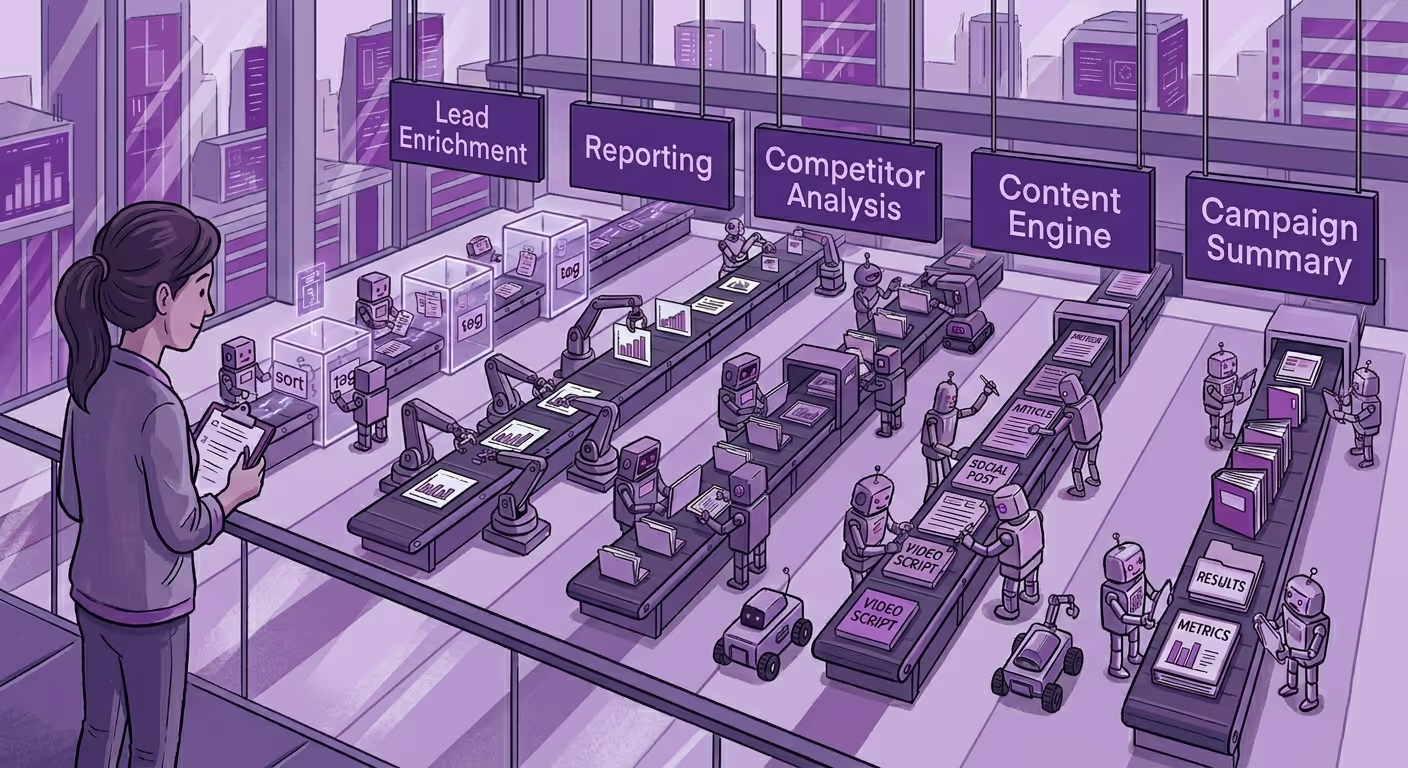
Marketers using automation report saving 6+ hours a week on routine tasks. The ones using AI agents are saving more. And yet most marketing teams are still manually writing the same follow-up email, pulling the same weekly report, and briefing the same kind of campaign brief they briefed last quarter.
This isn't a strategy post. It's a blueprint. Five workflows, five copy-paste templates, mapped to tools you can set up today. Pick one, and stop doing these manually because we've already written the prompts.
1. Lead Enrichment on Form Submit
Tool: Zapier + Clay (or Clearbit) + HubSpot Time to set up: ~45 minutes
Every time someone fills out your demo request or contact form, someone on your team is manually Googling their company, checking LinkedIn, and updating the CRM before the first call. That's 10-15 minutes per lead, and it's completely automatable.
The workflow: Form submitted → Zapier catches the webhook → Clay enriches the contact (company size, industry, LinkedIn, funding stage) → AI step scores the lead 1-10 → HubSpot contact updated with enrichment data + score + a suggested first-touch message
Copy this system prompt for the AI scoring step:
You are a B2B lead scoring agent. Given the following lead data, score
this lead from 1–10 based on fit for a [your ICP here] company.
Score 8–10: Strong ICP match: enterprise, right industry, decision-maker title
Score 5–7: Partial fit: worth nurturing
Score 1–4: Poor fit: flag for review
Output format:
Score: [number]
Reason: [one sentence]
Suggested action: [one of: Fast-track / Nurture sequence / Review]
Lead data: {{lead_data}}
What you stop doing manually: CRM enrichment, lead prioritisation, first-touch prep.
2. Weekly Performance Digest
Tool: n8n (or Zapier) + GA4 API + Slack Time to set up: ~1 hour
Every Monday, someone pulls numbers from GA4, checks the ad dashboard, writes a Slack summary, and sends it to the team. It's not hard work. It's just work that happens reliably because a human remembered to do it, which means it doesn't happen when they're on leave.
The workflow: Scheduled trigger (Monday 8am) → Pull last 7 days from GA4 API → Pull Google Ads spend + CPC + conversions → AI step writes the summary → Post to #marketing-updates Slack channel
Copy this system prompt:
You are a marketing analyst writing a weekly performance digest for
a B2B marketing team. Use the data below to write a brief Slack update.
Format:
📊 *Week of [date]*
- Sessions: [number] ([% vs previous week])
- Top traffic source: [source]
- Leads generated: [number]
- Paid spend: [amount] | CPL: [amount]
- One thing that worked: [observation]
- One thing to watch: [flag or concern]
Keep it under 120 words. No fluff. Be specific.
Data: {{analytics_data}}
What you stop doing manually: Pulling reports, formatting data, remembering to send it.
3. Competitor Content Monitor
Tool: RSS + Zapier + Slack (or Email) Time to set up: ~30 minutes
You should know when your top three competitors publish something. You probably don't, or you find out when someone sends a link in a random Slack thread two weeks later. This one is the quickest build on this list.
The workflow: RSS feed from competitor blog → New post triggers Zapier → AI step summarises and extracts key angle → Slack message to content channel
Copy this system prompt:
You are a content intelligence analyst for a B2B marketing team. A competitor just published a new blog post. Analyse it and return:
1. Summary (2 sentences max)
2. Core argument (what are they really saying?)
3. Our angle (how could we write a stronger, more differentiated take?)
4. Threat level: Low / Medium / High (based on topic overlap with our content)
Post title: {{title}}
Post content: {{content}}
What you stop doing manually: Competitor monitoring, content gap spotting, reactive briefing.
4. Content Brief Generator
Tool: Gemini Gem (or ChatGPT Custom GPT) + Google Docs Time to set up: ~20 minutes
The brief. The thing every writer needs, every marketer hates writing, and every campaign somehow starts without. This one doesn't require any integration, just a well-built Gem you open and talk to.
Build a Gemini Gem with this system prompt:
You are a senior content strategist at a B2B SaaS company.
When I give you a topic or keyword, generate a full content brief with:
- Recommended title (and 2 alternatives)
- Target audience: who is this for, what do they already know
- Primary keyword + 3 secondary keywords
- Angle: what makes our take different from what's already ranking
- Outline: H2s and H3s with a one-line description of each section
- Recommended CTA
- Word count range
- One thing to avoid (common mistake or cliché on this topic)
Ask me for the topic, then generate the brief.
Don't pad it. Make it usable.
What you stop doing manually: Writing briefs from scratch, aligning on angle before writing starts, keyword research handoff.
5. Post-Campaign Summary for Stakeholders
Tool: ChatGPT / Claude + Google Slides or Docs Time to set up: ~15 minutes per campaign (ongoing)
After every campaign, someone spends two hours putting together a slide or doc that says essentially: here's what we did, here's what happened, here are the numbers, here's what we'd do differently. The data already exists. The structure is always the same. The two hours is mostly formatting and softening bad news.
Copy this prompt:
You are a marketing director writing a concise post-campaign report
for senior stakeholders. Use the data below to write a structured summary.
Sections to include:
1. Campaign Overview (2 sentences: what, when, for whom)
2. Results vs. Goals (table format: Metric | Goal | Actual | Delta)
3. What Worked (2 bullet points with specific evidence)
4. What Didn't (1–2 honest observations: no excuses, just facts)
5. Recommendation for Next Time (1 clear action)
Tone: direct, confident, no marketing jargon.
If results missed targets, say so plainly and explain what we learned.
Campaign data: {{paste your numbers here}}
What you stop doing manually: Formatting reports, translating data into prose, softening numbers.
One More Thing Before You Automate All of This
Notice that none of these workflows replaces a single strategic decision. They replace the administrative drag around those decisions, like the data pulling, the formatting, the first-draft grunt work that was eating your afternoon but wasn't where your thinking actually happened.
Employees who use marketing automation experience an increase in lead quantity by 80%, but that only holds if the automation is tied to real workflow logic, not just noise reduction.
Start with one. Not five. Pick the one that has the clearest trigger, the most predictable output, and the highest frustration level every time you do it manually. Get that one working properly, review its outputs for two weeks, refine the prompt. Then add the next one.
And if you get to the point where these five are running smoothly and you're thinking about what happens when your entire team, or your entire company, needs this level of automation baked into every campaign, every approval, every content workflow? That's when you stop duct-taping individual tools together and start looking at something built for scale.
Yarnit for Enterprise is built exactly for that moment: AI that's plugged into your actual marketing infrastructure, brand voice, content operations, campaign workflows, not just a prompt sitting in a Gem that one person on your team knows how to use.


