



Browse Louis Vuitton or Jimmy Choo's website and you'll see professional fashion photography at its best, models styled perfectly, lighting that highlights fabric texture, and texture, backgrounds that create lifestyle context.
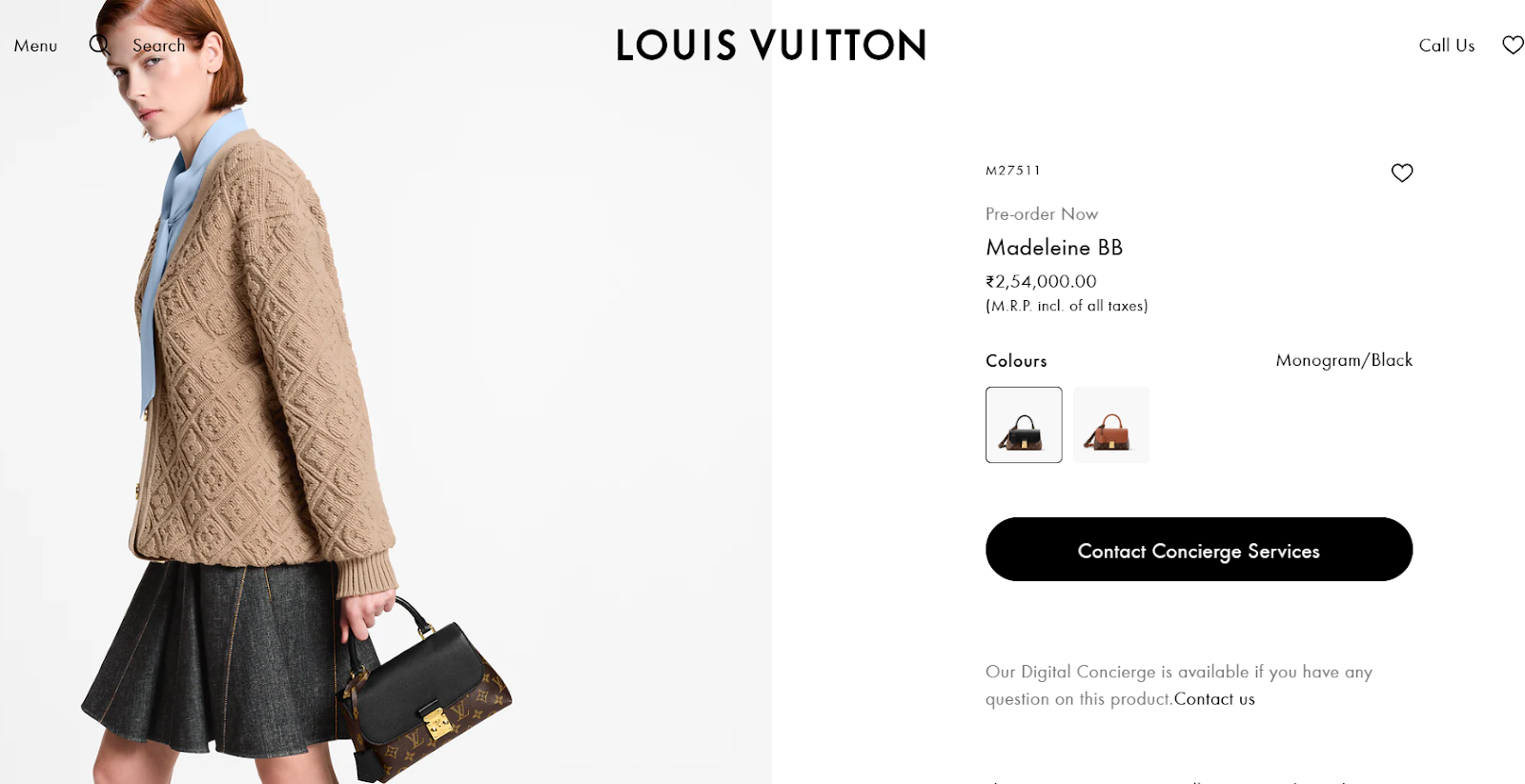
Creating this for your products requires professional models, photography teams, stylists, and weeks of coordination. A single photoshoot costs $5,000-$15,000. For a 500-product catalog, most brands can't afford it.
AI image generators have transformed this process. Need your dress shown on a model in different settings? Generate them in minutes. That expensive, time-consuming process now happens in hours—with professional results.
But with dozens of AI image generators available, how do you choose the right one? More importantly, how do you pick a tool that improves business outcomes, not just your image gallery?
What Fashion Brands Actually Need Beyond Pretty Pictures
Most brands think, "I need better product photos, faster and cheaper. "That's incomplete. The real question isn't just about images—it's about building product pages that actually convert.
That starts with choosing tools built for fashion specifically. Generic AI often destroys the details that matter: intricate embroidery becomes a blurry smudge, a small logo distorts, and silk that should drape beautifully renders flat like cheap polyester. Tools trained on actual product photography understand how fabric behaves, how patterns need clarity, and how small details influence purchase decisions. They can handle bulk operations too—upload 50 products, apply consistent brand settings, and generate 300 ready-to-use images in one workflow—so image 1 and image 500 share the same lighting, background, and quality. Done right, this can reduce costs 80–90% compared to traditional shoots.
But images alone don't close sales. Most AI tools create beautiful visuals with filenames like "IMG_8473.jpg" and zero optimization data. Search engines can't "see" images—they read filenames, alt text, and metadata. The difference between IMG_8473.jpg and blue-silk-maxi-dress-floral-summer.jpg with proper alt text is the difference between invisible and discoverable. Proper image SEO has driven 779% increases in image search traffic, turning your catalog into an acquisition channel rather than decoration.
Many fashion brands are already using AI to streamline these product content workflows, from imagery to catalog optimization. If you want to see how this shift is playing out in ecommerce, read our blog on How AI-Driven Content Is Changing the Way Fashion Ecommerce.
How to Evaluate AI Image Generators That Work
Start by diagnosing your actual problem:
- If customers aren't finding your products, your priority is SEO optimization and discoverability.
- If customers find you but don't buy, you need complete product information, not just more images.
- If you're drowning in photography costs, cost-efficient generation is your focus.
Testing That Reveals Truth
Don't test with your easiest products. During free trials, upload your most challenging items—the busiest patterns, smallest logo details, and most unusual fabrics. If the tool struggles with these, it'll fail at scale.
Workflow Integration for AI Image Generators
Map your current process: How do images move from creation to live on your site? Who writes descriptions? How is SEO handled? Where do bottlenecks occur? Don't choose tools that add steps to your workflow.
Top 3 AI Image Generator Solutions for Fashion Brands
1. Yarnit
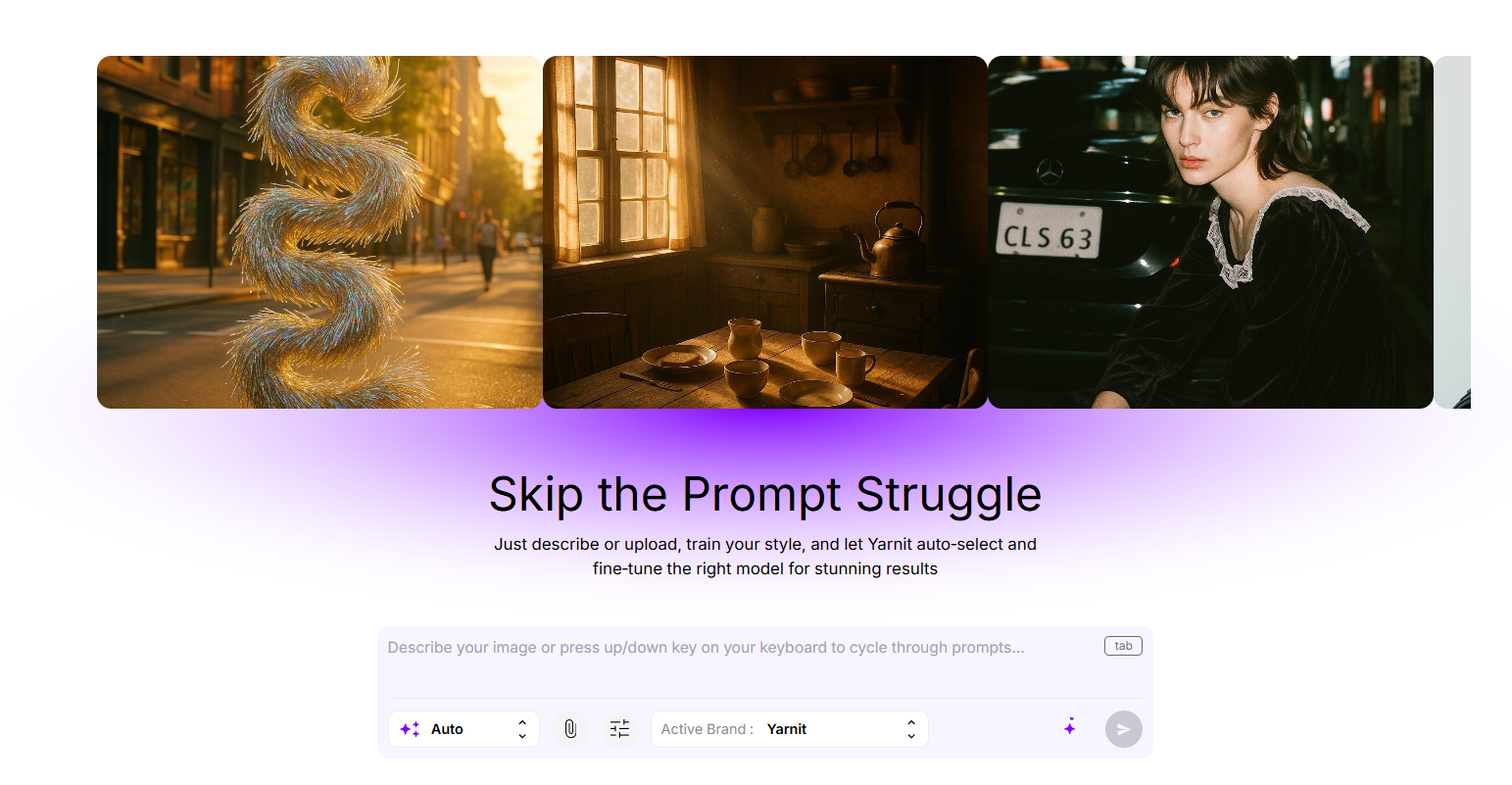
Yarnit goes beyond image generation; it's a full AI-powered catalog optimization platform designed to improve product page performance end to end.
- Audits existing listings to identify gaps in content, images, and metadata
- Generates product photography and descriptions simultaneously in one workflow
- Creates complete attribute tagging and SEO metadata automatically
- Syncs everything directly to your sales platforms
Best for: Brands with 500+ SKUs where catalog completeness directly impacts conversion, or multi-channel sellers needing consistent, optimized product content across platforms.
2. Vue.ai
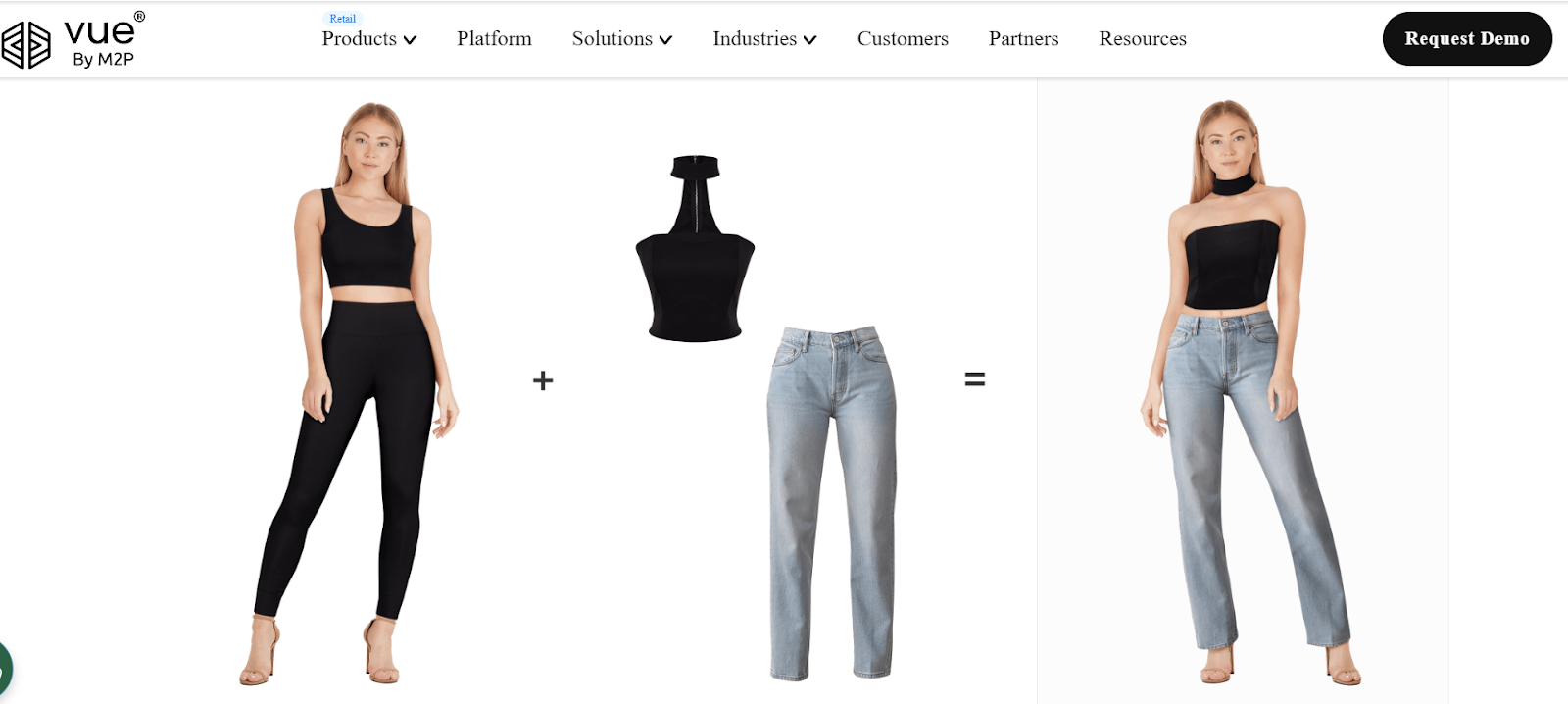
Vue.ai is an enterprise-grade AI platform purpose-built for large fashion and retail operations, with powerful image generation capabilities at scale.
- Product-to-model transformation and virtual try-on
- Background removal and replacement at scale
- Batch processing with consistent model generation across large catalogs
- Fashion-trained AI that preserves fabric textures, patterns, and fine details
Best for: Mid-size to enterprise retailers managing large catalogs who need robust, consistent AI-generated imagery integrated into their production workflows. Vue.ai is an enterprise platform, and the pricing and infrastructure reflect that, making it best suited for established brands with significant catalog volume.
3. Photoroom
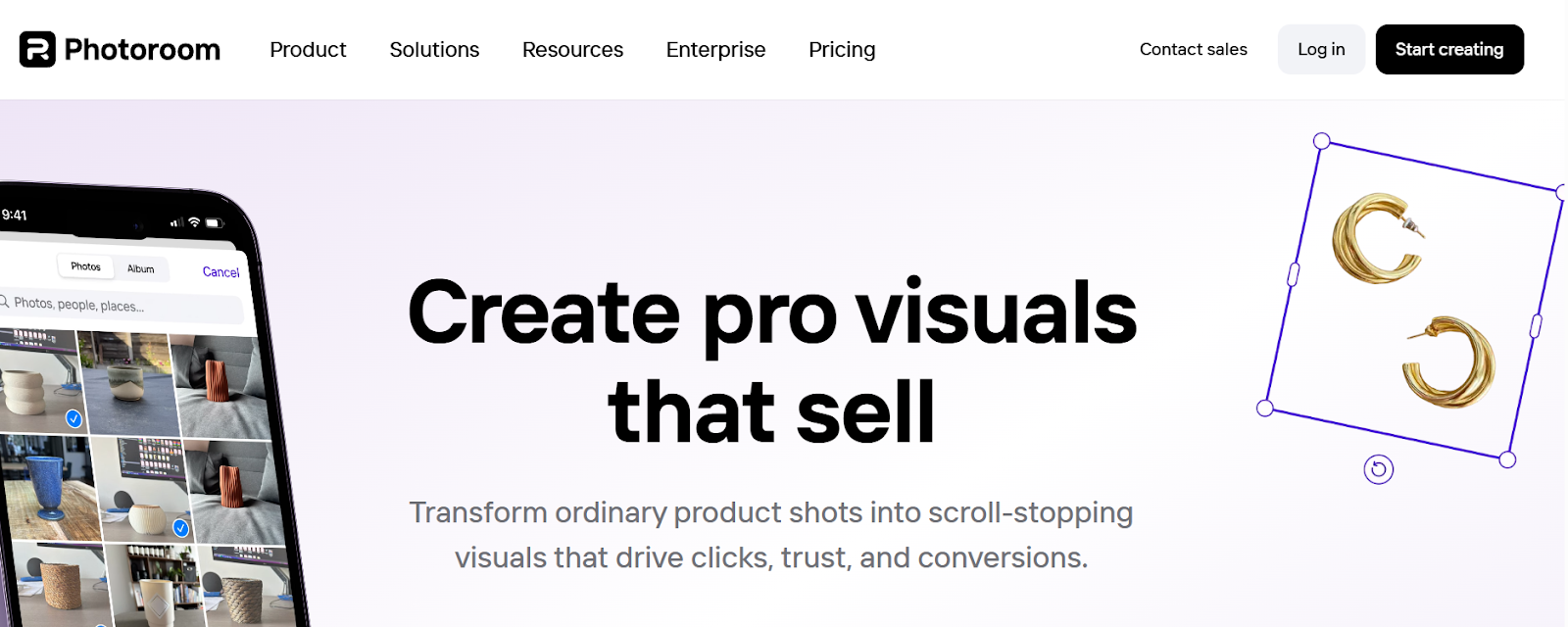
Photoroom is an intuitive, accessible platform focused on fast image enhancement and background management, with recent expansion into AI model generation.
- Instant background removal and replacement
- Simple batch editing for consistent catalog styling
- Template-based approach for speed and brand consistency
- Mobile-friendly for on-the-go editing
Best for: Small to medium brands needing fast, straightforward image editing without complex workflows, especially teams with limited technical resources or those just getting started with AI product photography.
What Successful Brands Do Differently
After analyzing dozens of fashion e-commerce businesses, clear patterns emerge:
- They audit before choosing. They document which products lack photography, where information is incomplete, what drives customer questions and returns, and where customers drop off in the funnel.
- They test at real scale. Not 5 sample products—they process 50-100 items representing their actual product diversity. They test color accuracy, consistency across batches, and time savings versus current workflow.
- They measure business outcomes. They track conversion rate changes, return rate trends, time-to-market improvements, and organic search traffic growth. Then they optimize based on data.
Common Mistakes That Cost Money
- "We just need better photos" sounds logical until you realize customers are viewing multiple images but still abandoning them. Check your analytics—if they're seeing your photos but not buying, better images won't help.
- "Cheaper photography solves everything" misses the bigger picture. Calculate real ROI: revenue from improved conversion, savings from reduced returns, value of faster launches, and impact of increased organic traffic.
- "AI replaces everything" is rarely right. A hybrid approach typically works better—AI for routine catalog shots, traditional photography for items where creative direction matters.
Implementation Roadmap for AI Image Generators
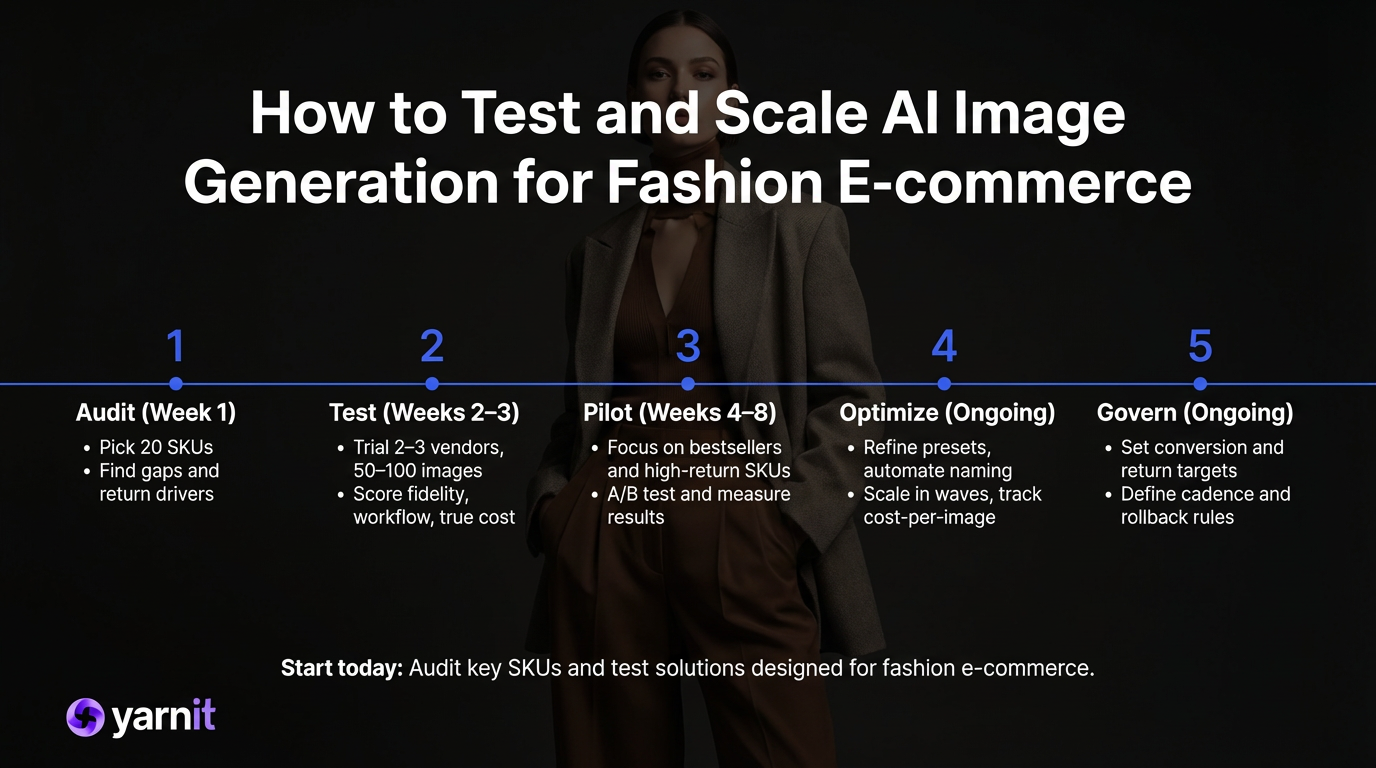
- Audit: Pick 20 representative products and document what's missing, incomplete, or inconsistent. Review where customers bounce and what drives returns.
- Test properly: Request trials from 2-3 options that match your primary need. Test with real products at real volume. Calculate the total cost, including subscription, team time, and remaining manual work.
- Pilot: Start with high-impact products—bestsellers with weak pages, new arrivals, and items with high returns. Process 50-100 products. Measure before/after on conversion, returns, and time-to-market.
- Optimize and expand: Based on pilot results, refine settings and guidelines. Train team members. Gradually expand while continuing to track what works.
Making Your AI Image Generator Decision
The right AI image generator isn't about the most advanced technology or the cheapest option. It's about honestly diagnosing your actual problem, then selecting tools that solve it.
Start with truth, not assumptions. Look at your data: Where do customers drop off? What questions do they ask? What drives returns? How complete is your product information? Then choose tools that address your specific gaps.
The brands succeeding with AI aren't just creating prettier pictures faster. They're building more complete, discoverable, trustworthy product experiences that give customers confidence to buy.
That's what actually makes the difference between browsing and buying.


